Mapping Capabilities
Google Maps
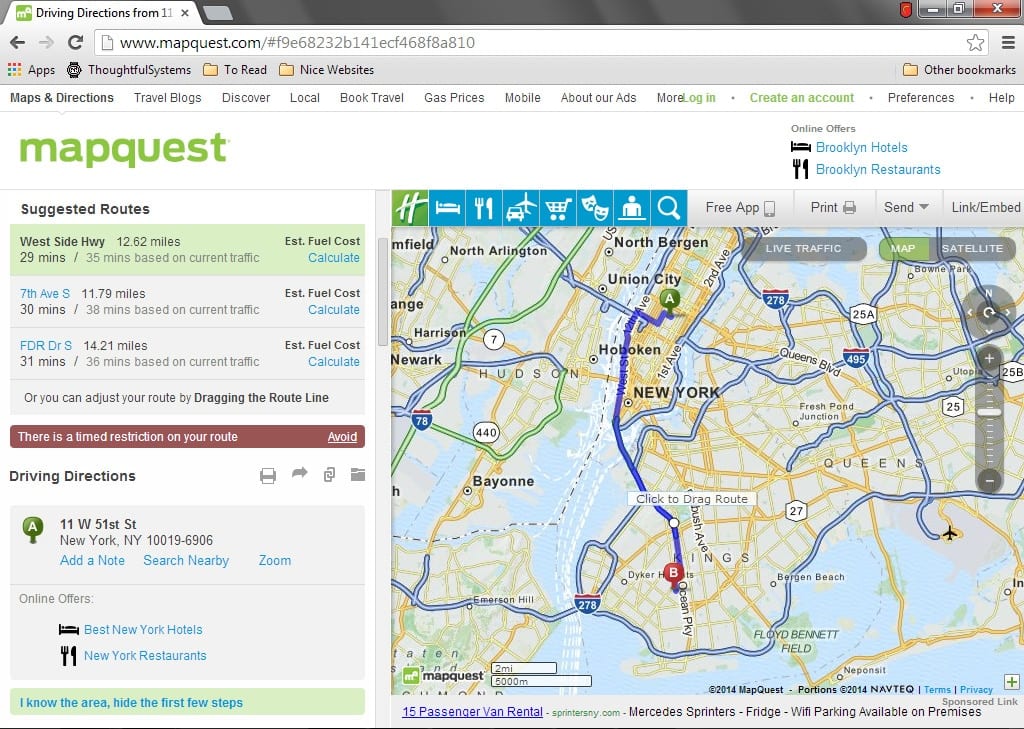
This interface allows you to obtain directions to a client’s location in a matter of seconds.
All that is required for this interface is an internet connection and a web browser.
You can choose to use either Google Maps or Mapquest.
Routing
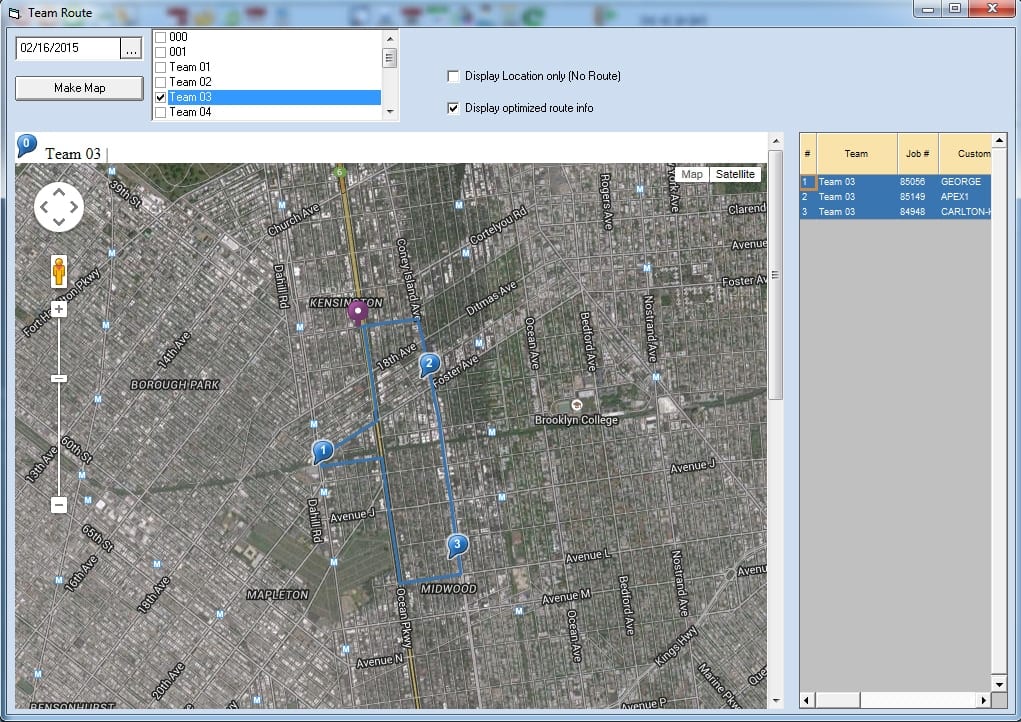
With the mapping interface you can obtain directions for an employee for an entire route for an entire day.
Optimizing Routes
Using the mapping interface you can optimize a route, automatically reordering jobs to minimize driving distance.
View Jobs on Map
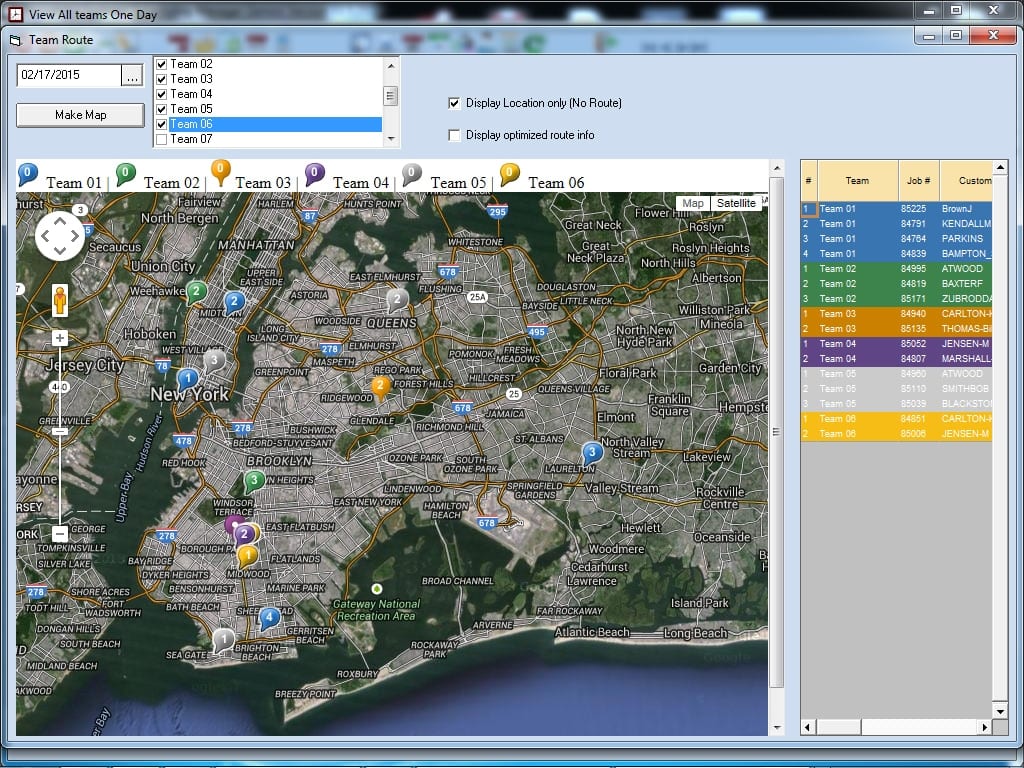
With the mapping interface you can view all your jobs as pushpins on a map.
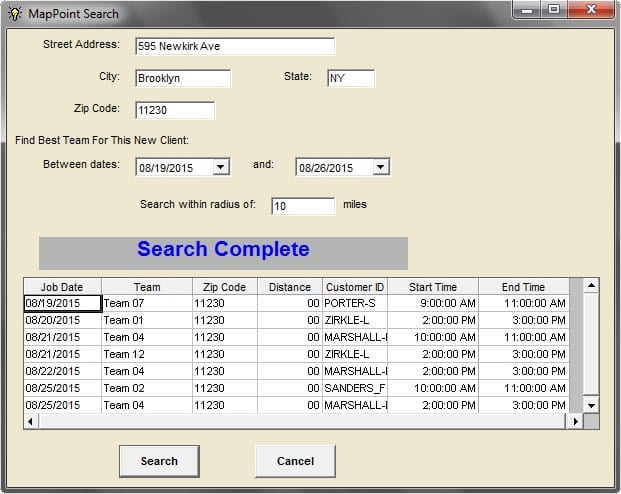
Mapping: Suggest Job Day and Time
This suggestion feature tells you when you schedule a job for, based upon when you will be in the same area.
The utility will provide you with several choices for when an employee will be in the same area.